
What I Did to Install an SSL Certificate When Building a Website for a Client
Overview
While building a website ordered by a client, I needed to install an SSL certificate. This post summarizes the steps I followed at that time.
Prerequisites
Since free SSL or self-signed SSL certificates raise security concerns, I decided to obtain a certificate from thawte, which issues SSL certificates with a high market share.
I also obtained the client’s approval regarding the cost.
thawte is the world’s second largest certificate authority by market share, providing various server authentication and code signing certificates to customers around the world.
ToDo
- Check the domain owner information with WHOIS
- Confirm the DUNS number held by the client
- Issue a CSR
- Apply for SGC Super Certs
- Install the SSL certificate
Steps
1. Check the domain owner information with WHOIS

ドメインの所有者を確認する方法
概要クライアント様所有のドメインにSSL証明書をインストールして欲しいという依頼についてthawteよりSGC SuperCertsから申請しSSL証明書発行する経緯となった。 その申請に必要なDUNSナンバー取得の為、ドメインの所有者がクライアント様になっているかを確認する必要…
WHOIS displays the owner information for the domain you search.
Save this information.
It will be used later when issuing the CSR.
2. Confirm the DUNS number held by the client
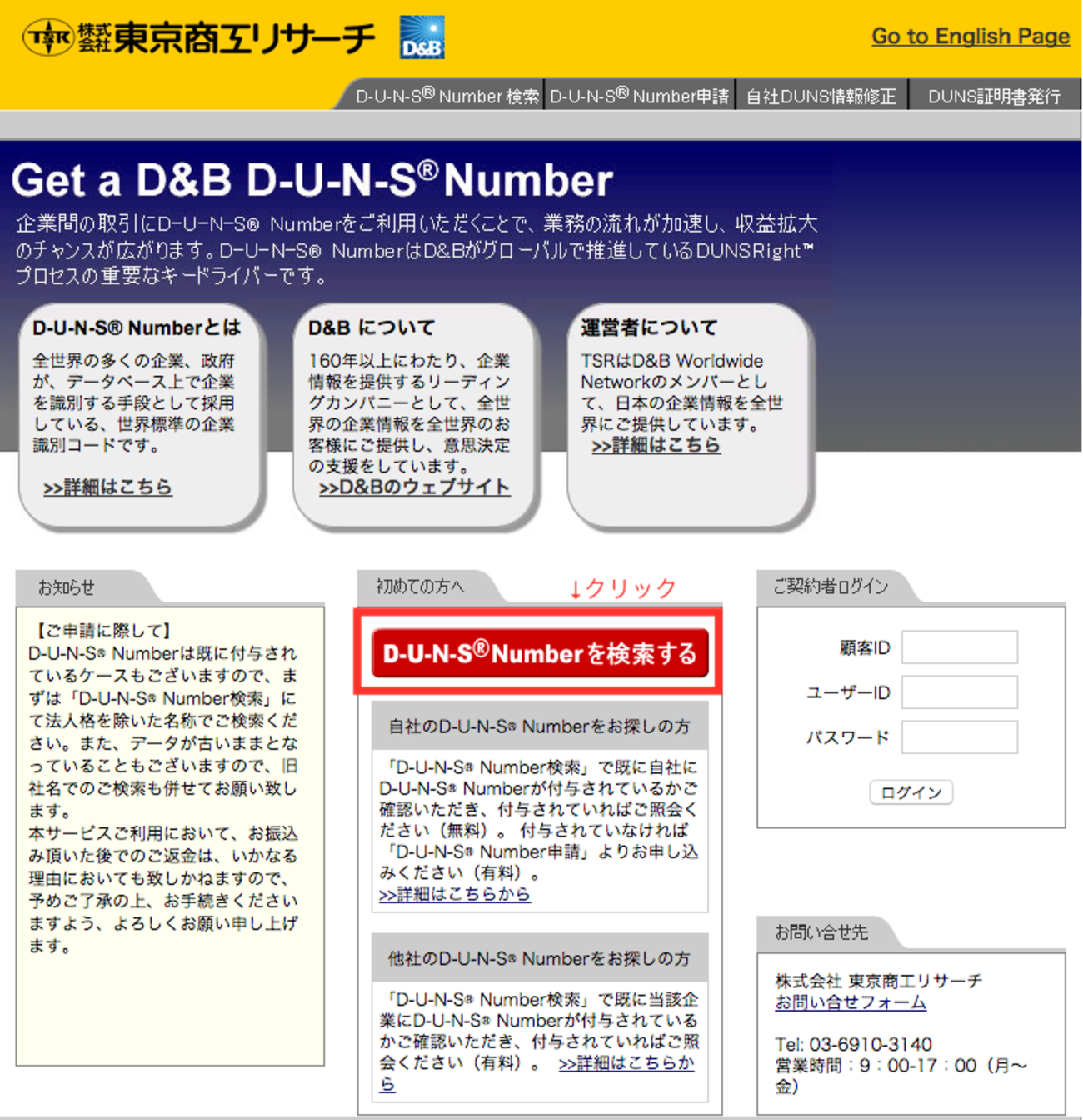
DUNSナンバー確認手順 - 長生村本郷Engineers'Blog
以下に移行しました。kenzo0107.github.io
3. Issue a CSR
Apache + OpenSSL でSHA256対応CSR生成 - 長生村本郷Engineers'Blog
以下に移行しました。kenzo0107.github.io
4. Apply for SGC Super Certs

SGC SuperCerts 購入手順
概要クライアントより指定ドメインにSSL証明書をインストールして欲しいとの依頼があり、比較的安価なthawteによりSSL証明書発行するよう手配しました。その手順を以下に記載します。 ※2015年4月時点で値上げした模様です。SSL比較サイト等で改めて検討してください。 SSL料…
5. Install the SSL certificate

SSL証明書インストール
対象サーバにアクセスし以下SSL証明書インストール手順に沿って進めます。 手順 rootユーザに変更12sudo su -Password: (rootユーザのパスワード入力) 秘密鍵のパスフレーズ解除apache再起動してもパスフレーズを問われないようにするためです。 …
