
Installing Docker and Docker Compose on Vagrant (Ubuntu)
Overview
This is a summary of the steps I used to install Docker and Docker Compose on Vagrant (Ubuntu), which I set up for building a development environment.
Creating the Vagrantfile
I’ve kept it pretty simple.
- Vagrantfile
1 | # -*- mode: ruby -*- |
You can also install Docker Compose with vagrant provision, but since provisioning that relies on Vagrant can’t be reused in other environments, I’ll take the approach of installing it on the OS itself.
Starting the VM
1 | MacOS%$ vagrant up |
Checking the Vagrant Ubuntu Environment Info
1 | vagrant%$ lsb_release -a |
Checking the Kernel Version
1 | vagrant%$ uname -r |
A kernel version lower than 3.10 risks causing bugs, so that’s a no-go. Use a box with a higher kernel version instead.
Uninstalling Old Versions
1 | vagrant%$ sudo apt-get remove docker docker-engine |
Installing the extra Packages
This is to allow Docker to use the aufs storage driver.
1 | vagrant%$ sudo apt-get update |
Installing Docker
1 | // Install Docker |
Installing Docker Compose
1 | vagrant%$ curl -L "https://github.com/docker/compose/releases/download/1.12.0/docker-compose-$(uname -s)-$(uname -m)" > ~/docker-compose |
Log Out Once and Log Back In
1 | vagrant%$ exit |
Adjusting Memory and Swap Usage
To reduce memory overhead and performance degradation when Docker is not in use, you need to configure GRUB (GRand Unified Bootloader).
- grub configuration
1 | vagrant%$ sudo vi /etc/default/grub |
- Update GRUB (GRand Unified Bootloader)
1 | vagrant%$ sudo update-grub |
That completes the setup ♪
Let’s Try It Out Right Away
As a quick tutorial, let’s spin up an nginx container.
1 | vagrant%$ docker run --rm -p 80:80 nginx:mainline-alpine |
Accessing from a Browser
Access it from a browser on your local Mac.
- 192.168.35.101 … the private IP specified in Vagrant
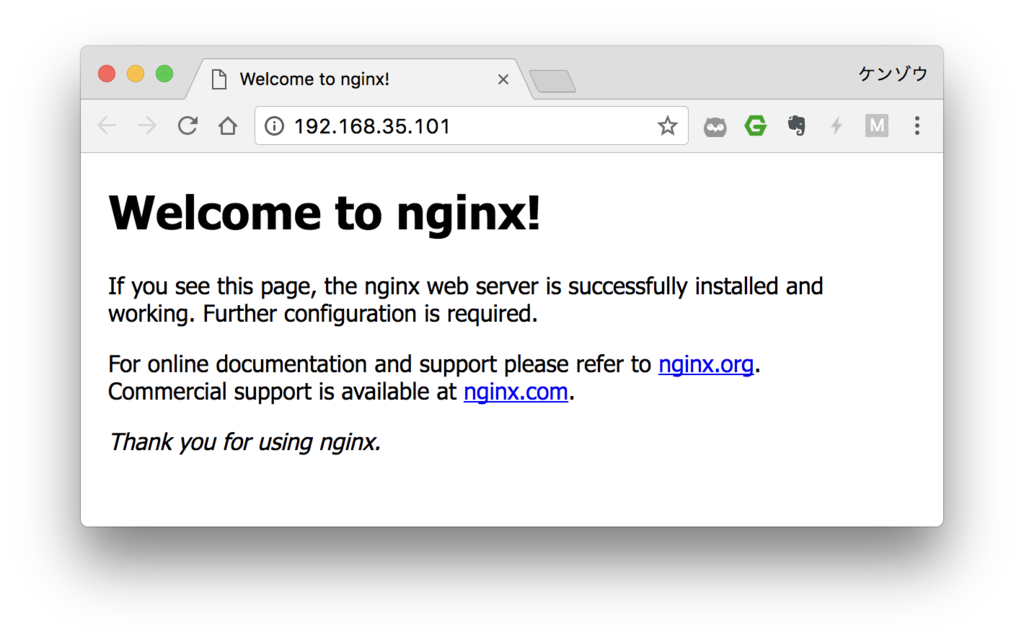
The Welcome page was displayed without any problems.
You can see that an access log like the following is output to the earlier log.
1 | 192.168.35.1 - - [13/Apr/2017:10:45:46 +0000] "GET / HTTP/1.1" 304 0 "-" "Mozilla/5.0 (Macintosh; Intel Mac OS X 10_12_4) AppleWebKit/537.36 (KHTML, like Gecko) Chrome/57.0.2987.133 Safari/537.36" "-" |
We can now access it through MacOS → Vagrant → Docker ♪
Addendum
I’ve placed the Box I created this time on Vagrant Cloud.
https://atlas.hashicorp.com/kenzo0107/boxes/ubuntu14.04.5LTS-docker-dockercompose/
Based on this setup, I’d like to write about building various environments going forward ♪
References
